 KalangOS
Light on old computers
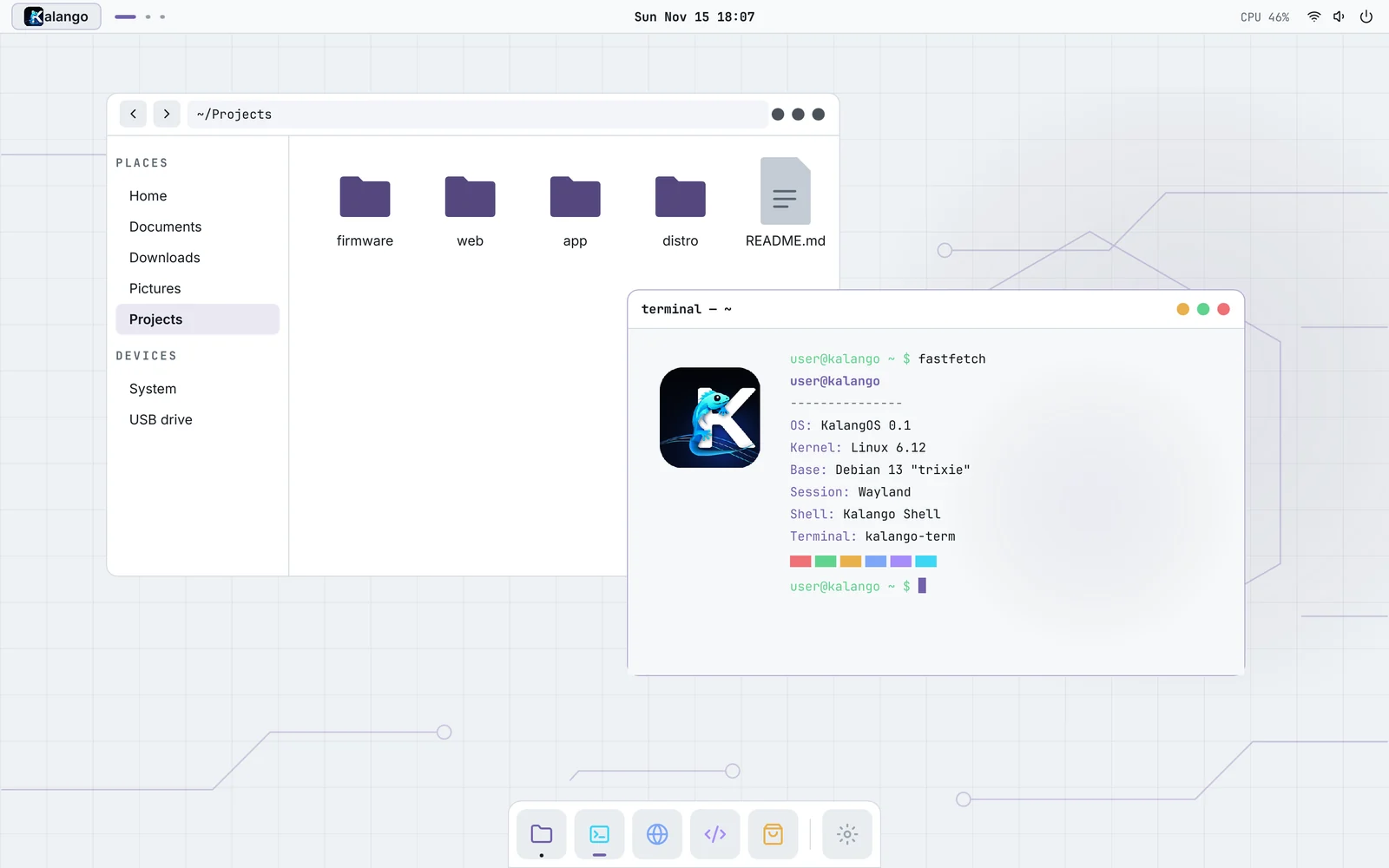
The desktop draws itself without a graphics card when needed. On a 2 GB machine it uses about 32 MB of memory.
KalangOS is a free, open-source operating system built on Debian 13, with its own desktop written in Rust. Made in Brazil, for any computer, old ones included.
● Version 0.1 in testing
Features
A complete desktop that feels at home from the first minute, on a solid base that has been around for 30 years.
The desktop draws itself without a graphics card when needed. On a 2 GB machine it uses about 32 MB of memory.
The stability and security updates of Debian "trixie", with all of its software available.
Thousands of apps from Flathub, installed with one click. No terminal required.
System and desktop updates arrive from a signed repository and install from Settings, with progress on screen.
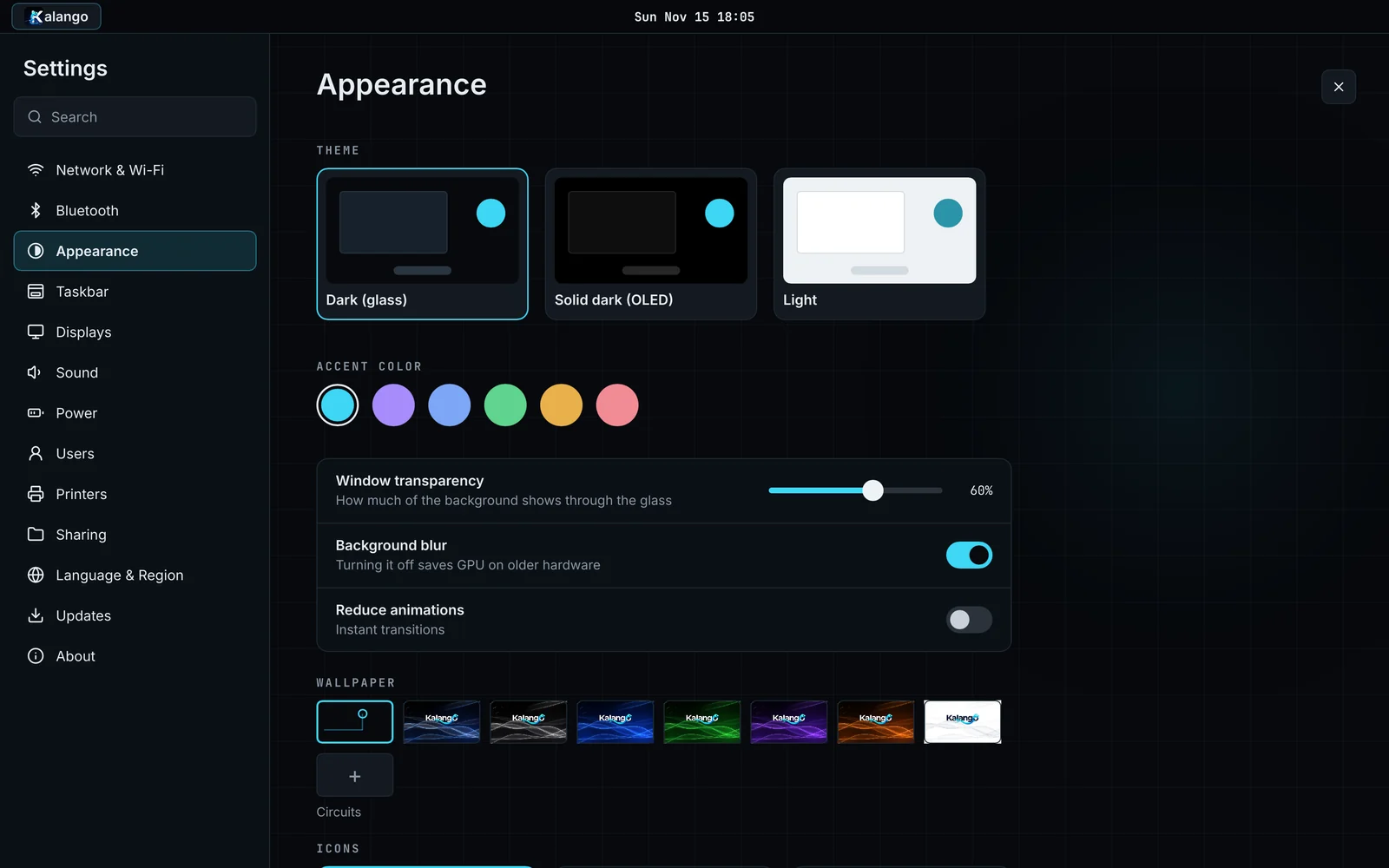
Dark, OLED and light themes, six accent colors, icon themes, wallpapers and five dock styles, all changing live.
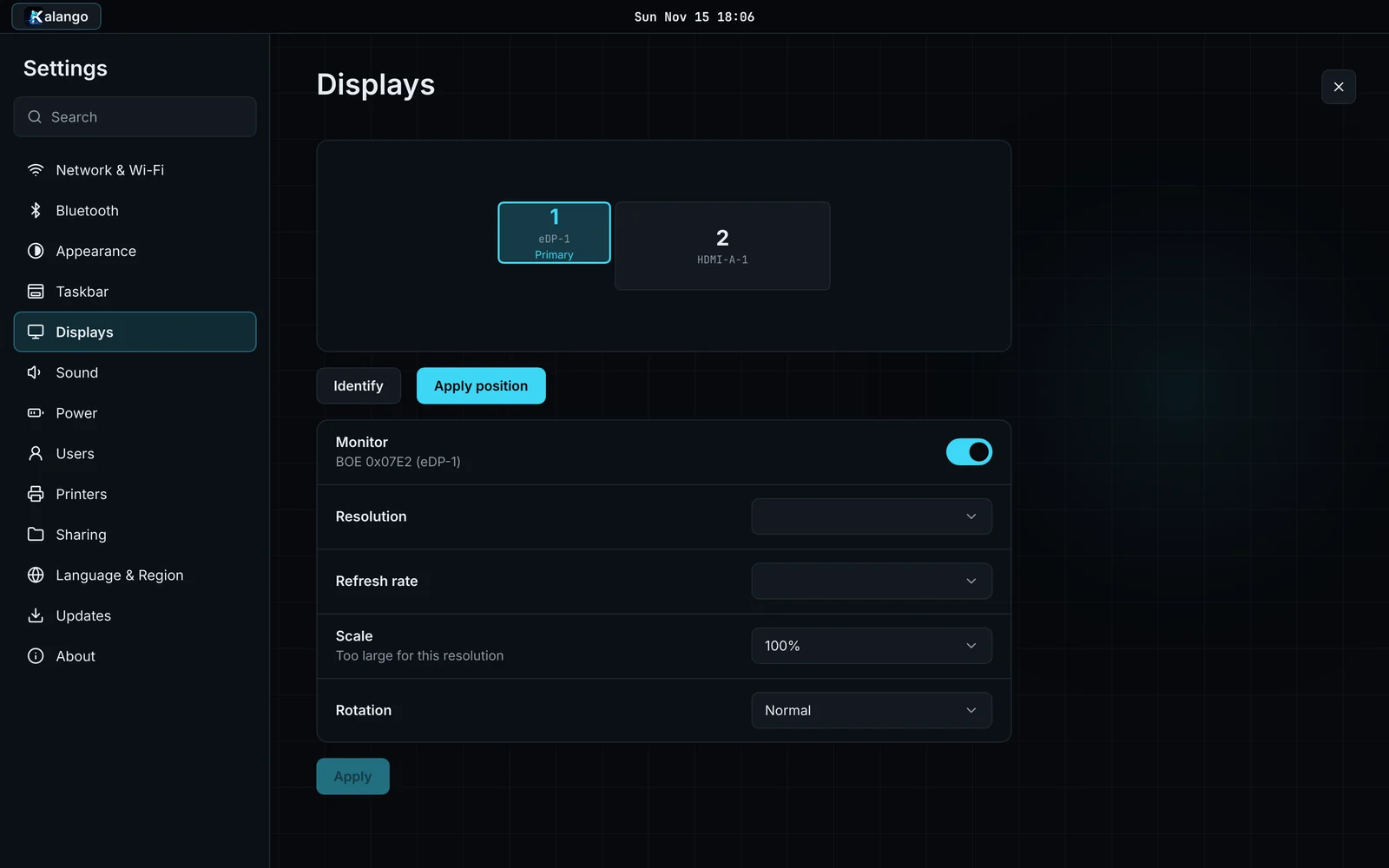
Wi-Fi, Bluetooth, VPN (WireGuard and OpenVPN), printers, multiple displays, users, power and file sharing with Windows.
LibreOffice opens Word, Excel and PowerPoint files, PDFs open right away and a double-click extracts zip files.
Boots with Secure Boot on or off, on BIOS or UEFI, and installs alongside Windows with a guided installer.
The whole desktop speaks both languages, and you can switch the language and keyboard in Settings.
Screenshots
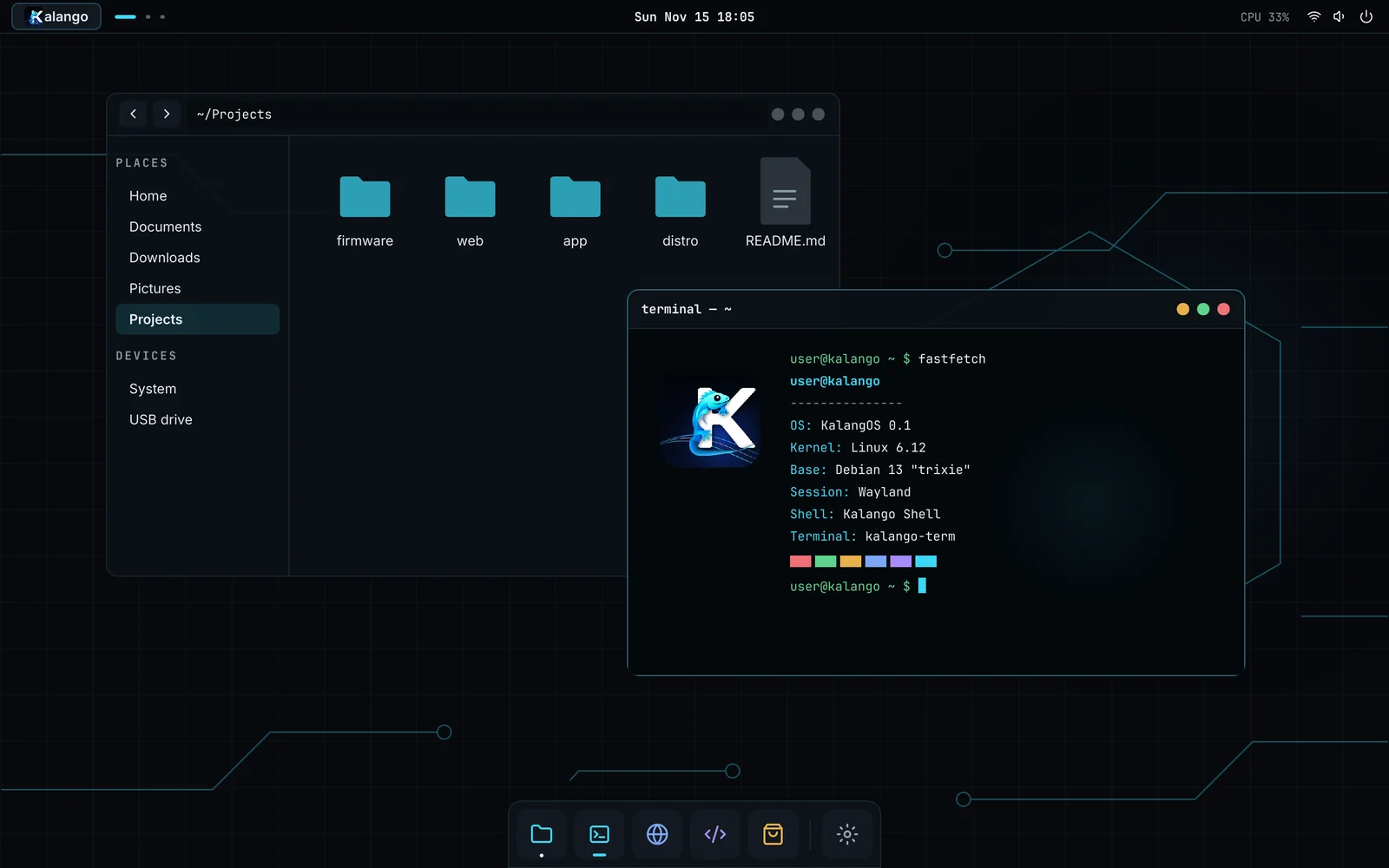
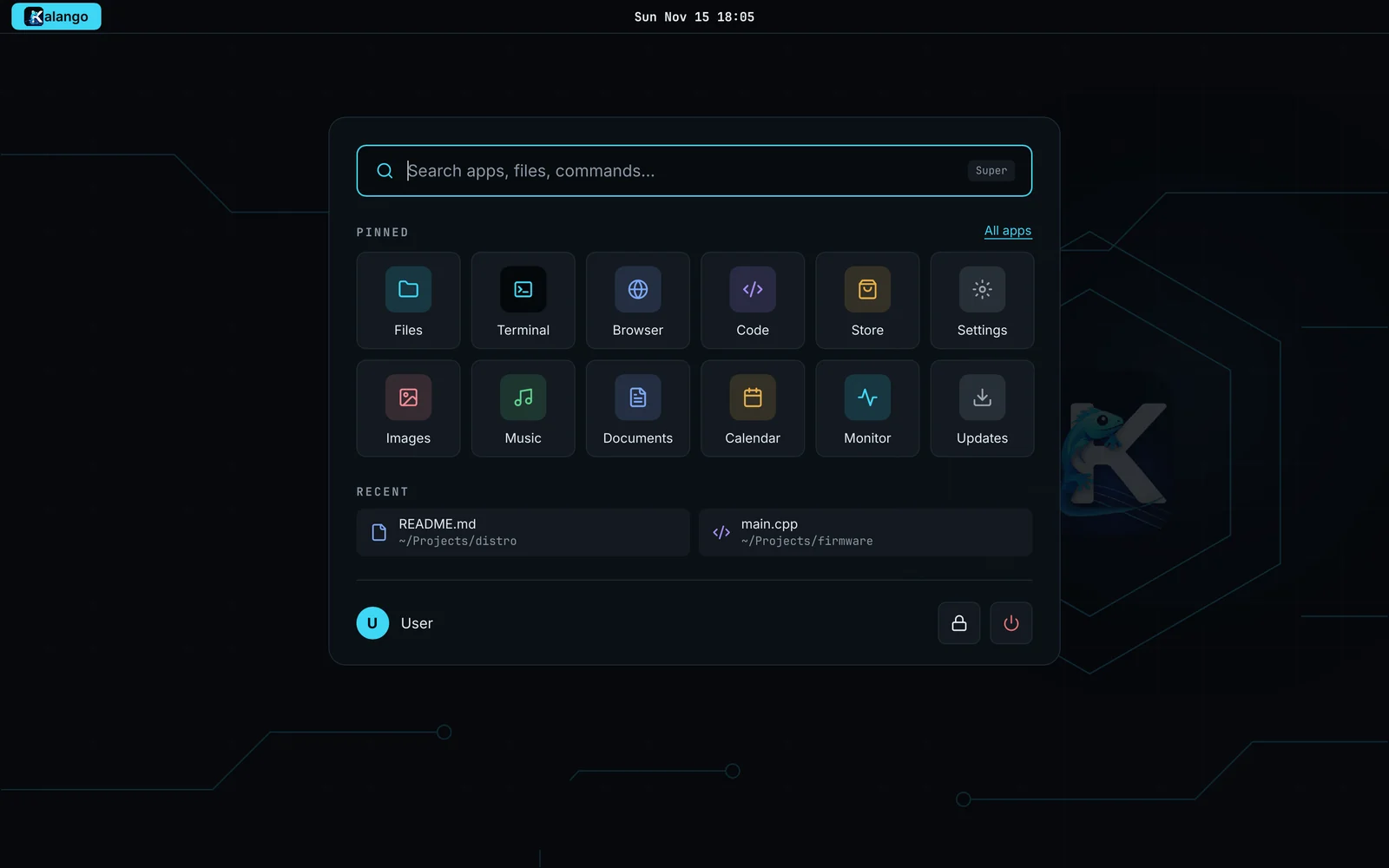
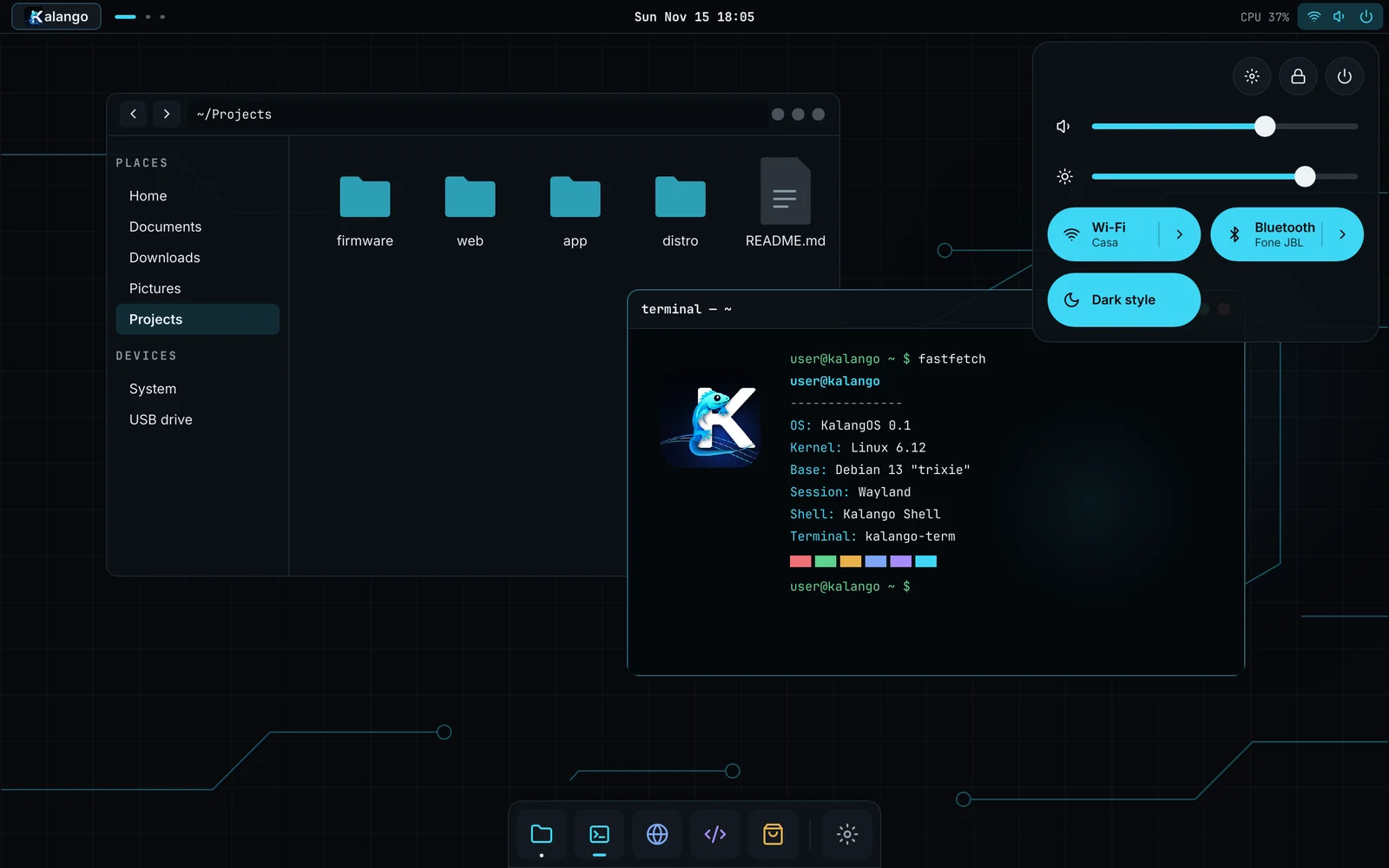
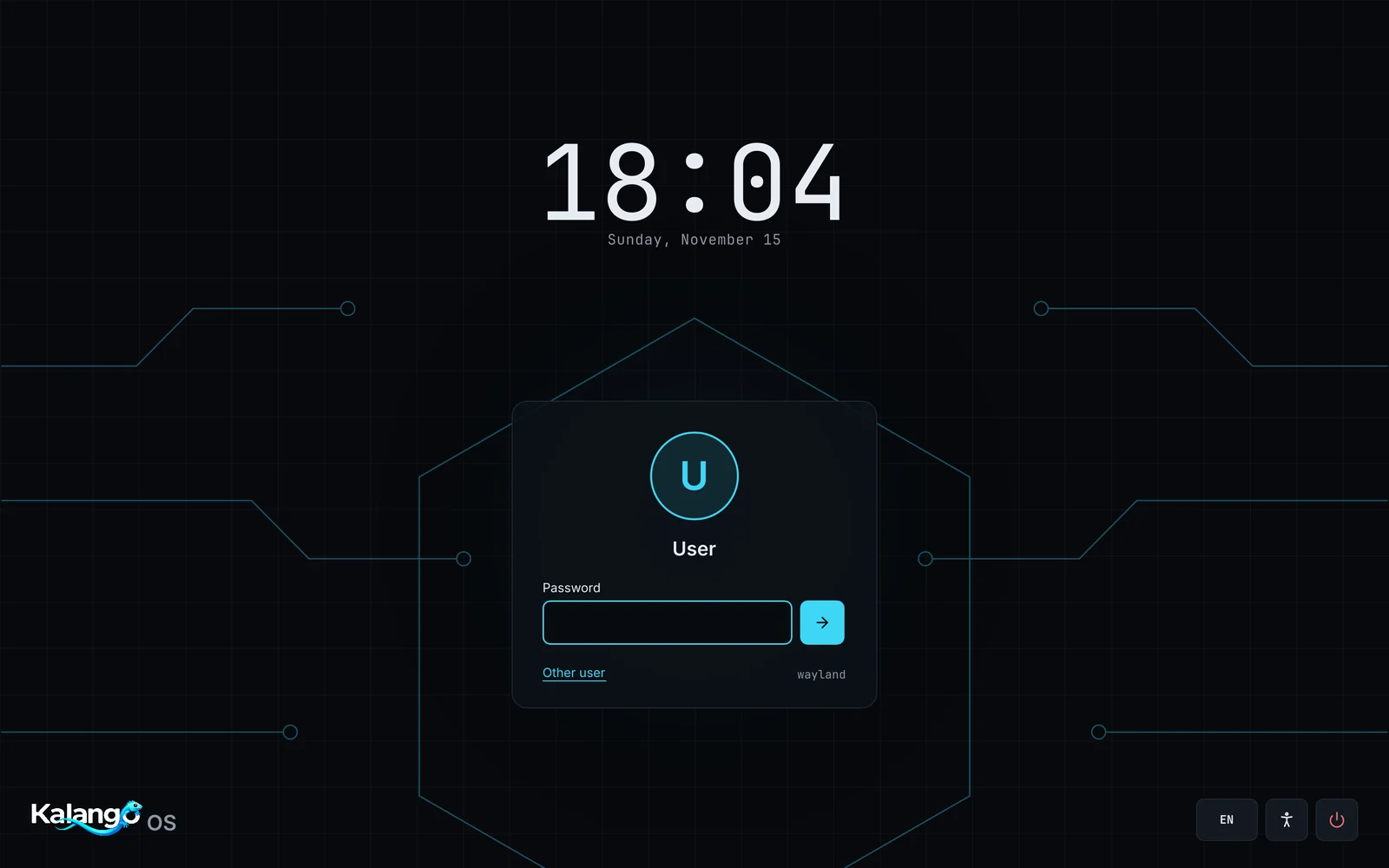
Every screen below is drawn by the KalangOS desktop itself.
Download
Start KalangOS from a USB stick to try it. If you like it, the installer is on the desktop.
The first public image is being tested on real hardware. Follow the project on GitHub to know when it is out.
Donate
KalangOS is an independent project made in Brazil. Donations pay for the domain, the update server and computers to test on, and keep the system free for everyone.

Scan the code with your bank app, or copy it and paste it in the PIX area of the app. You choose the amount.
Random key 26390eae-98e7-4fdb-b6a3-cdf8e32a6955
Donations from other countries (card and PayPal) are coming soon.
Community
KalangOS is free software under the GPL. Every bug report, idea and line of code helps.
Something broke? Tell us what happened and on which computer.
Open an issue →Suggest features, ask for help and share how you use KalangOS.
Join the discussions →Code in Rust and Slint, translations and testing on different machines are all welcome.
Read the guide →